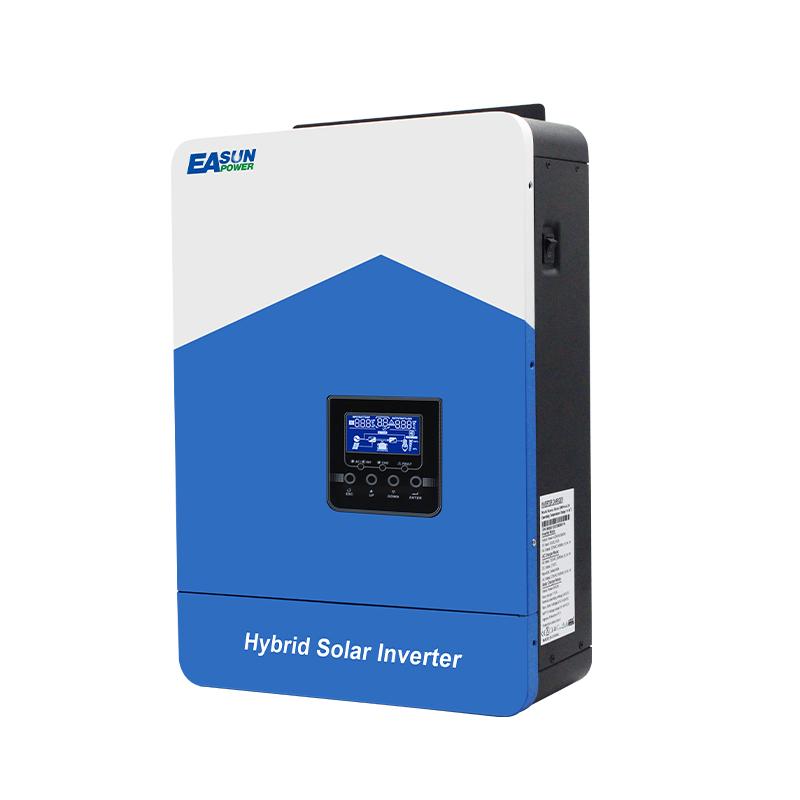
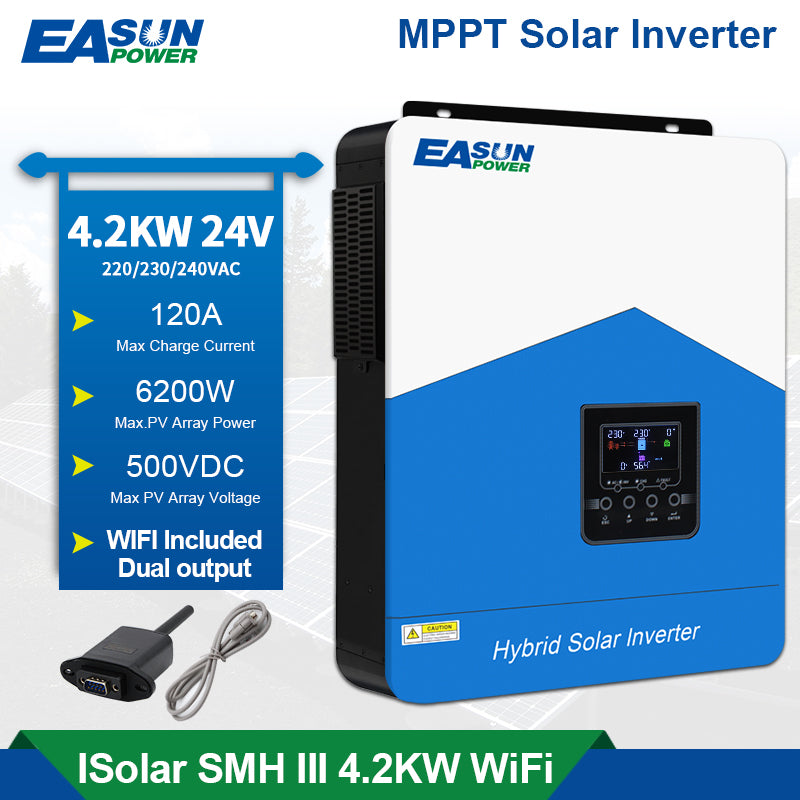
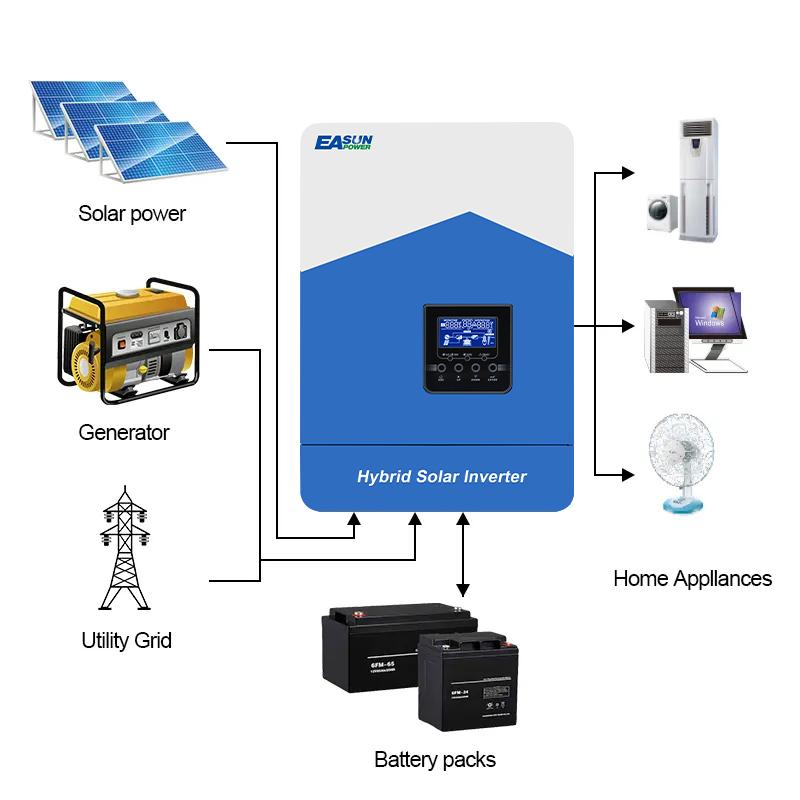
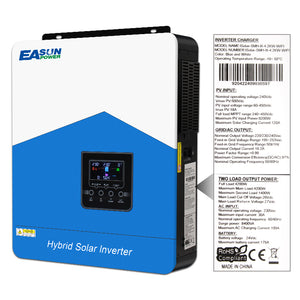
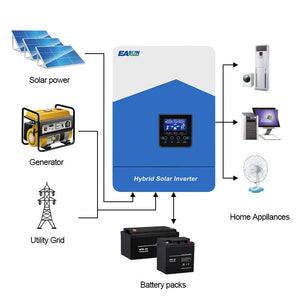
- 【All-in-One Design】Combines inverter, solar charger, and grid charger in one compact unit.
- 【Lithium Battery Communication Support】Compatible with popular lithium batteries like PYLON and PACE; auto-recognizes and activates the battery.
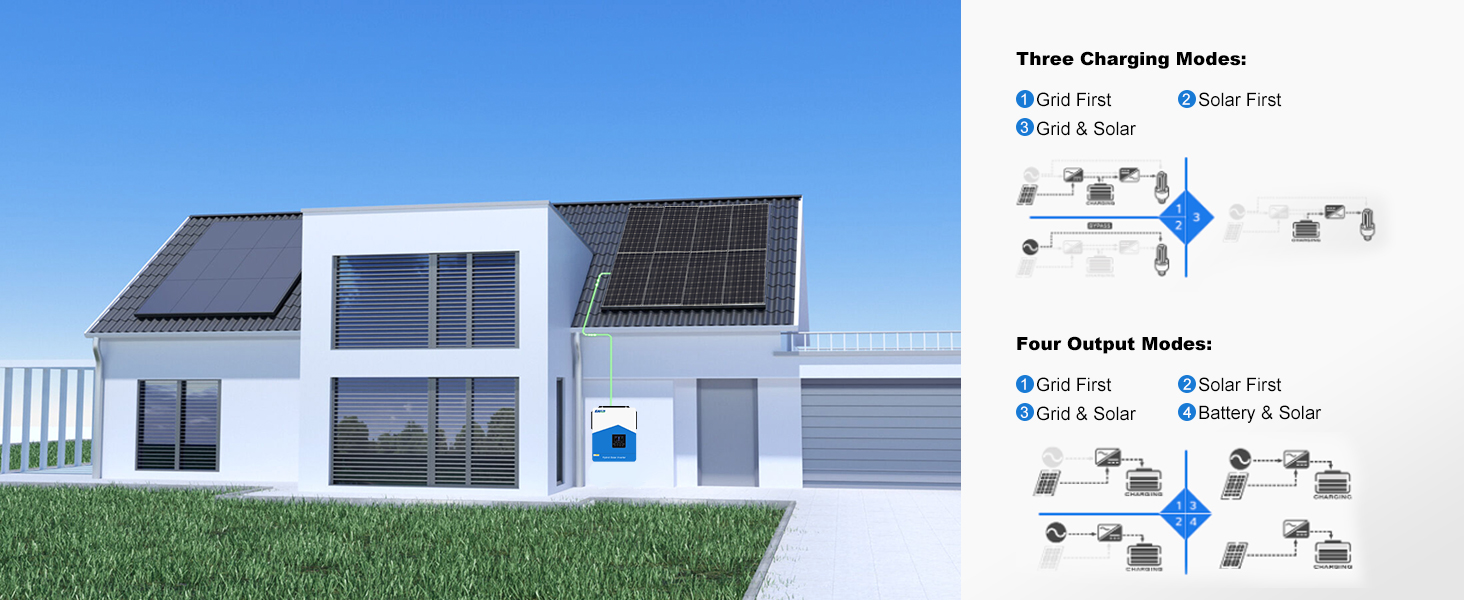
- 【Smart Power Switching】Supports solar-first, battery-first, or grid-first modes with automatic switching.
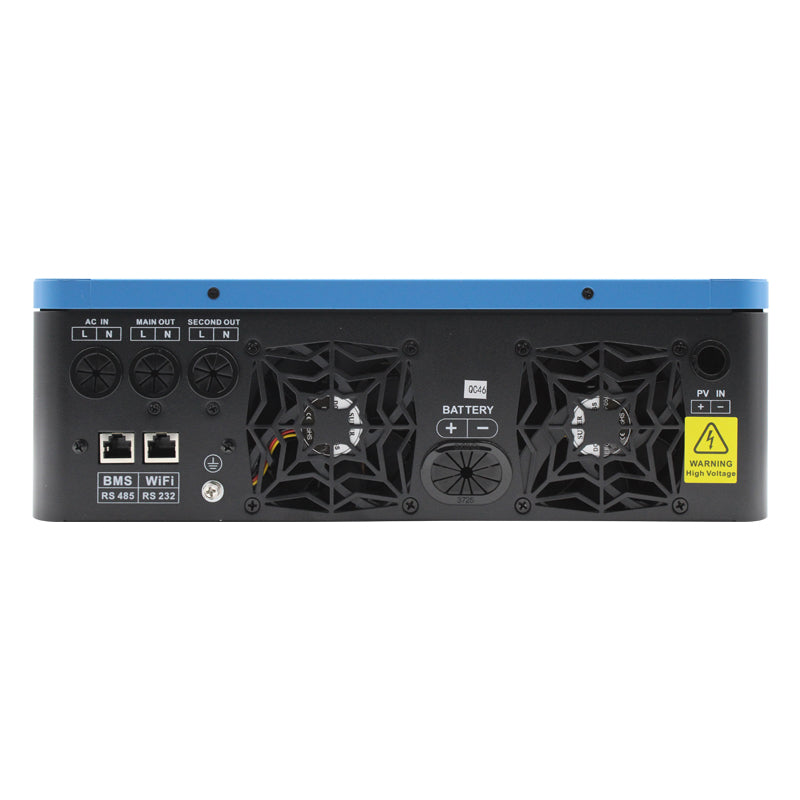
- 【Dual Output Function】Maintains power for essential loads when battery is low, enhancing safety and reliability.
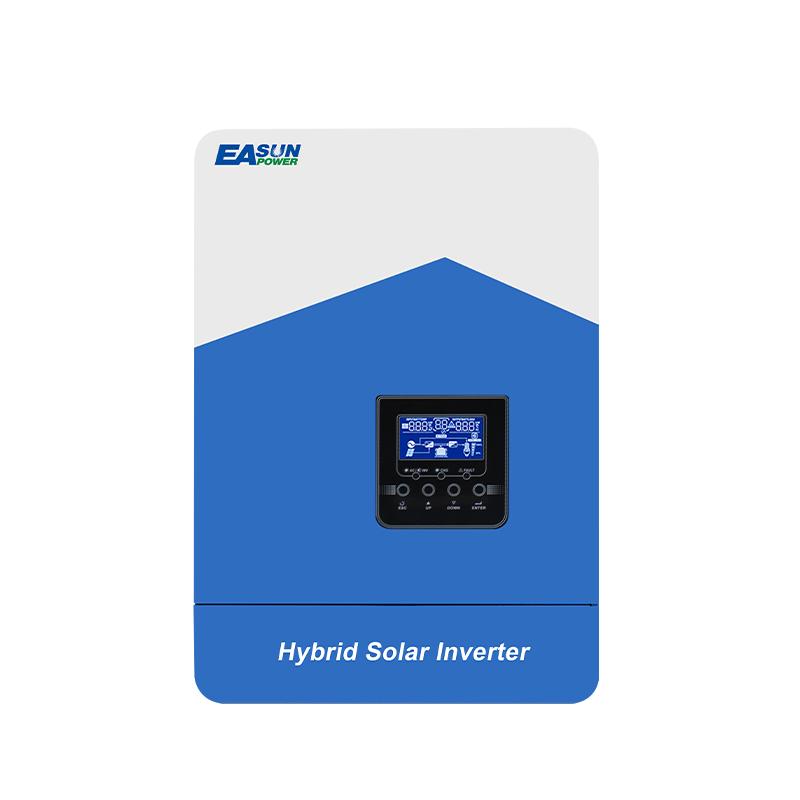
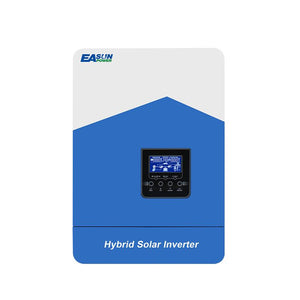
- 【Rich LCD Display】Shows battery voltage, state of charge, temperature, and more at a glance.
- 【Comprehensive Protection】Built-in protections for overvoltage, undervoltage, overheating, overload, and more.
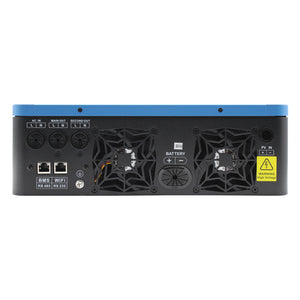
- 【Remote Monitoring Ready】Supports RS232, RS485, and WiFi for remote data access and system control.
UK Purchase Assurance
- Sourcing: Most items ship directly from our UK warehouse.
- Delivery: Enjoy free, fast shipping—most orders arrive within 5–10 business days. (Our customer service team will notify you promptly of any exceptional delays.)
- Payment: Secure payments via PayPal, Klarna, and all major credit cards.
- Returns: Hassle-free 30-day returns, subject to approval.
- Warranty: 2-Year Limited Service with easy claims process and lifetime tech support.

📥 Downloads
Suitable For Various Occasions



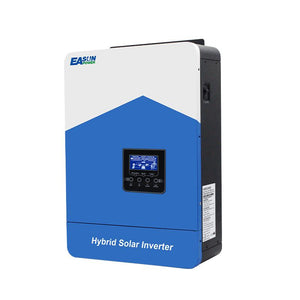
EASUN POWER 24V 4200W Hybrid Inverter
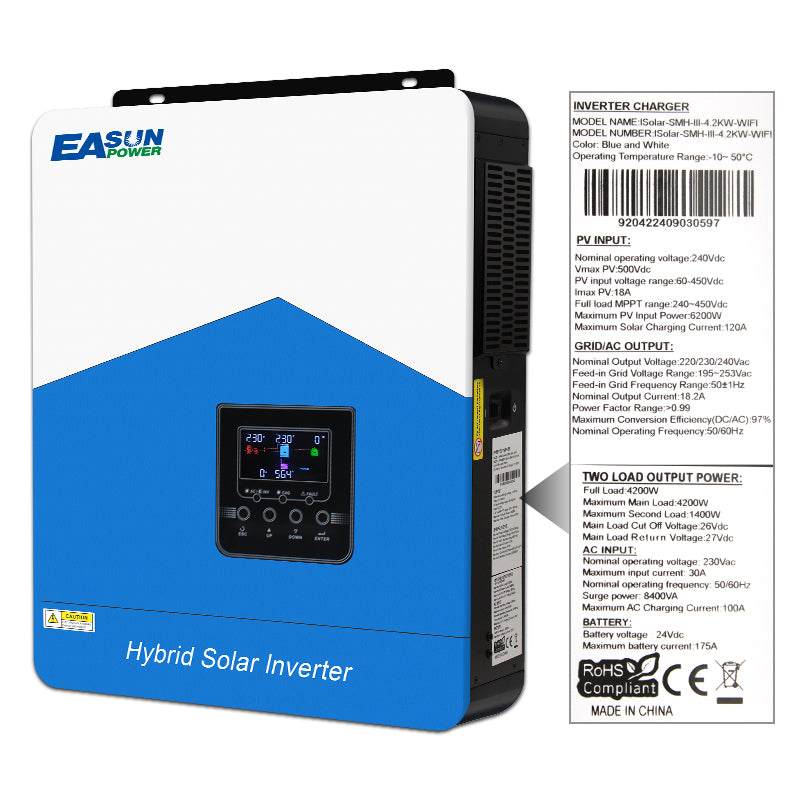
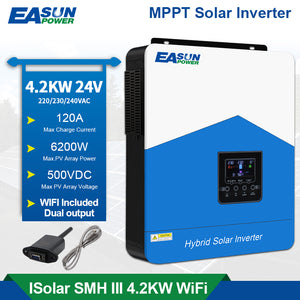
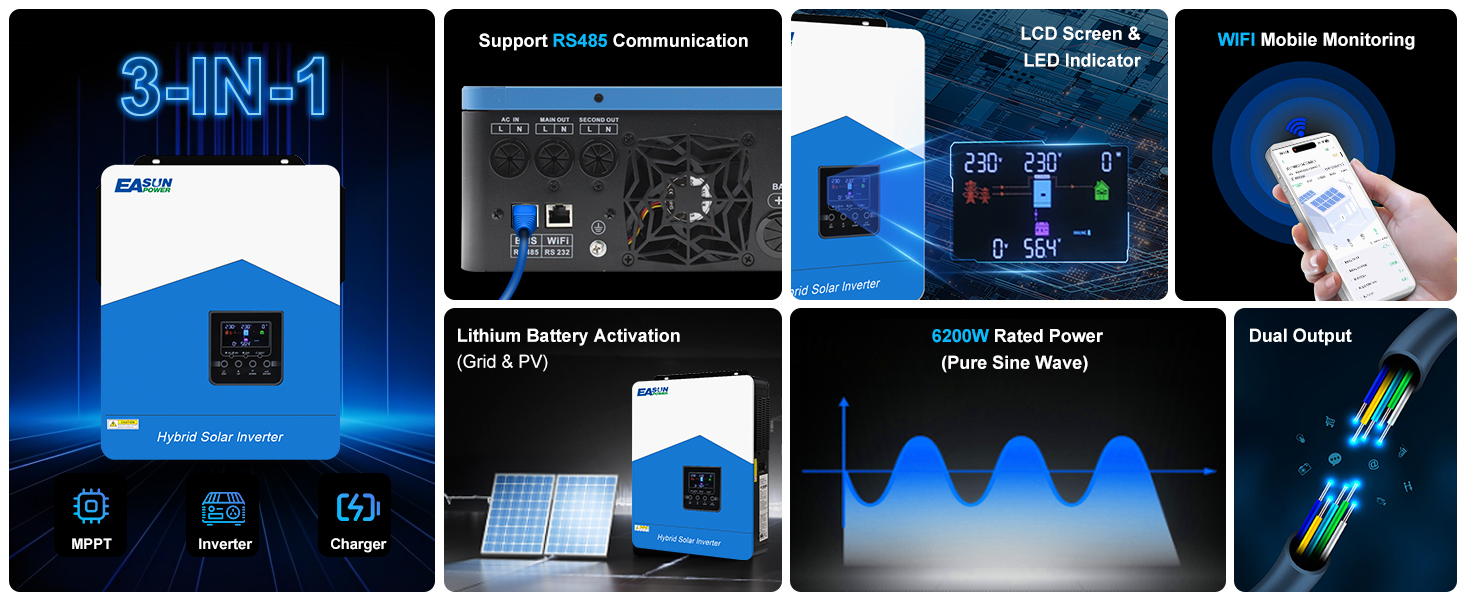
From its all-in-one design, 4200W rated power and up to 6200W peak output, to the clear LCD display, WiFi mobile monitoring, and RS485 communication support — the EASUN POWER 24V 4200W solar inverter and battery charger delivers an efficient, intelligent, and stable energy management solution for every home power need.
Smarter Integration, Stronger Output
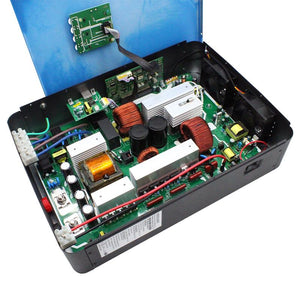
The EASUN POWER all-in-one solar inverter and charger combines a 120A MPPT controller and a 4200W inverter into a single unit, minimizing wiring complexity while maximizing functionality — an ideal choice for streamlining home energy systems.
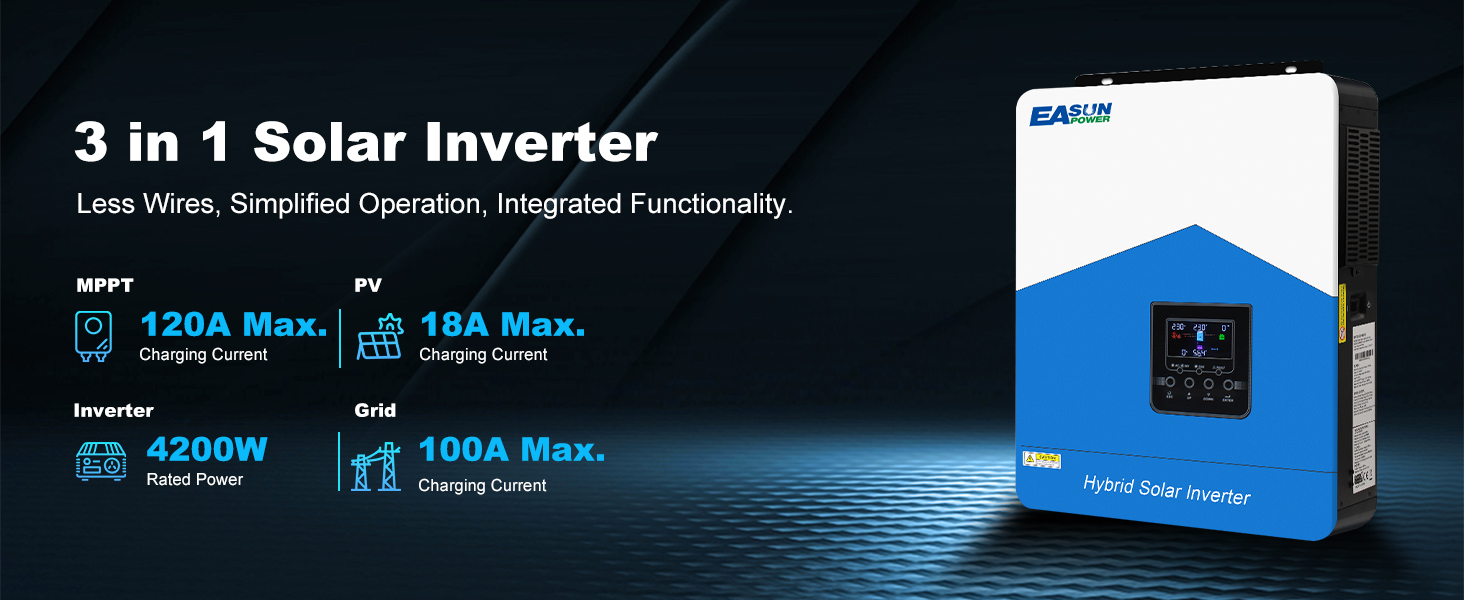
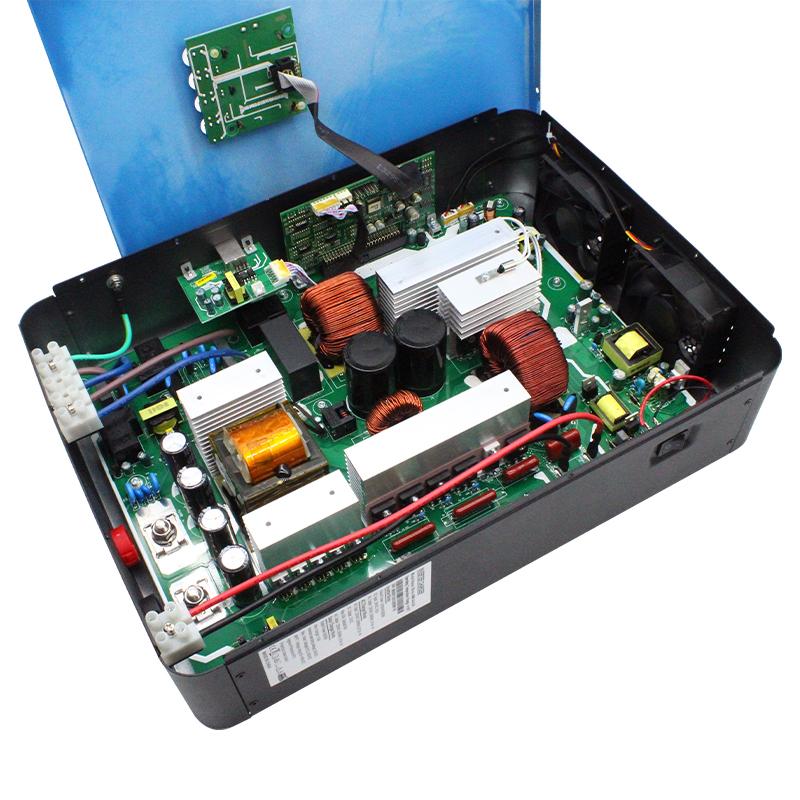
3-in-1 Design, Saves Nearly 50% of Space
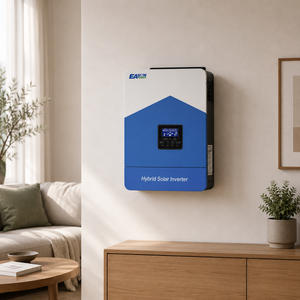
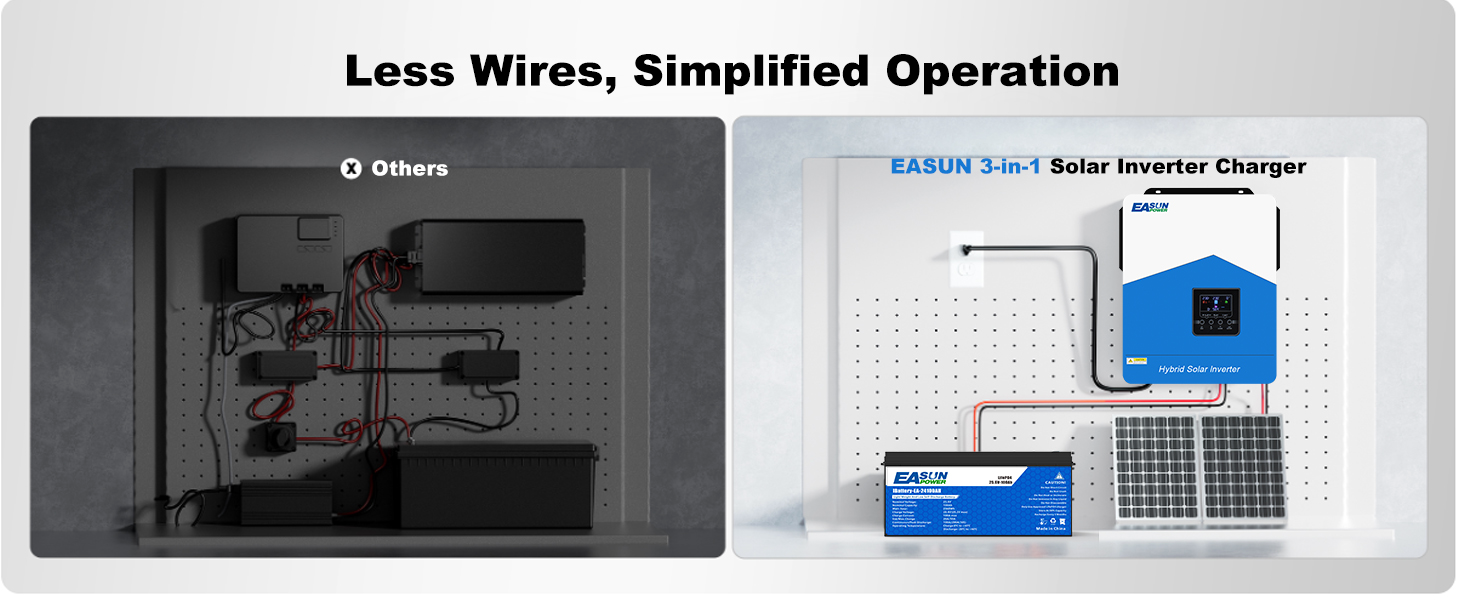
Say goodbye to messy wiring and scattered components! The EASUN POWER solar inverter charger integrates MPPT, inverter, and charger into a compact unit — saving installation space, simplifying wiring, and making your home energy system cleaner, safer, and easier to manage.
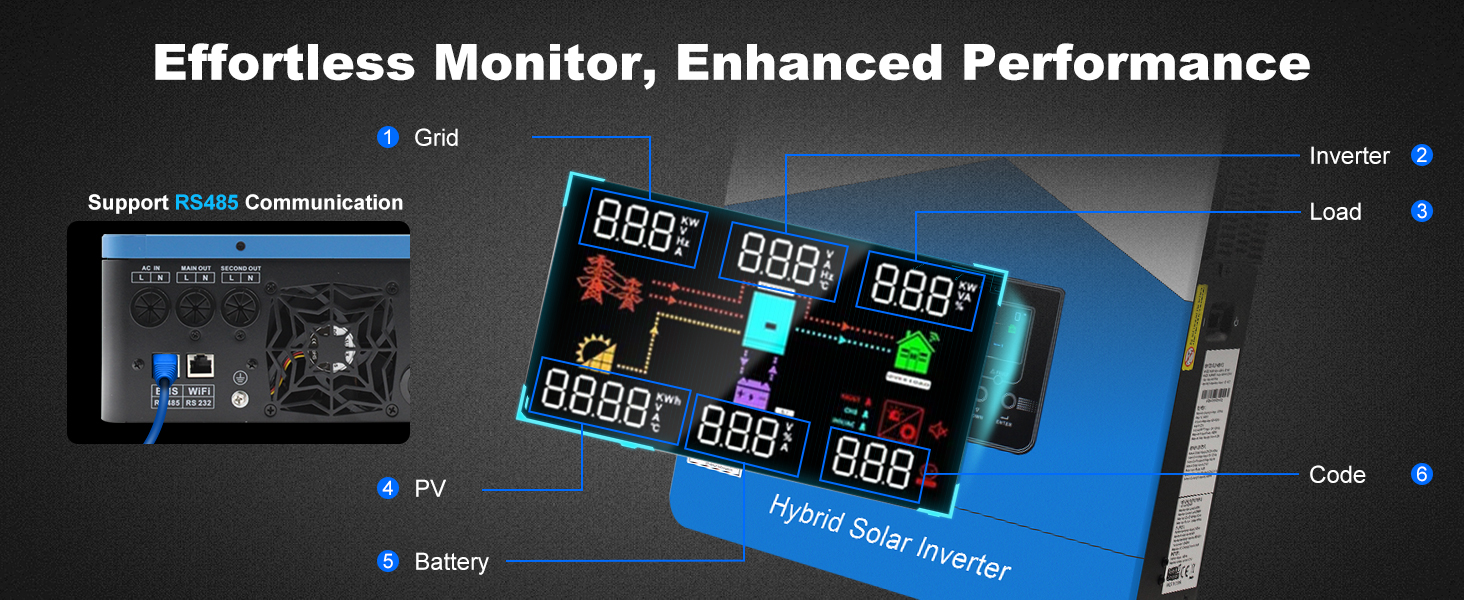
Get Real-Time Info at A Glance
Stay in control with the built-in LCD display and RS485 communication. Monitor system data, receive error alerts, and track input/output performance—all in real-time. Easily optimize your power usage and battery health with precise system visibility.
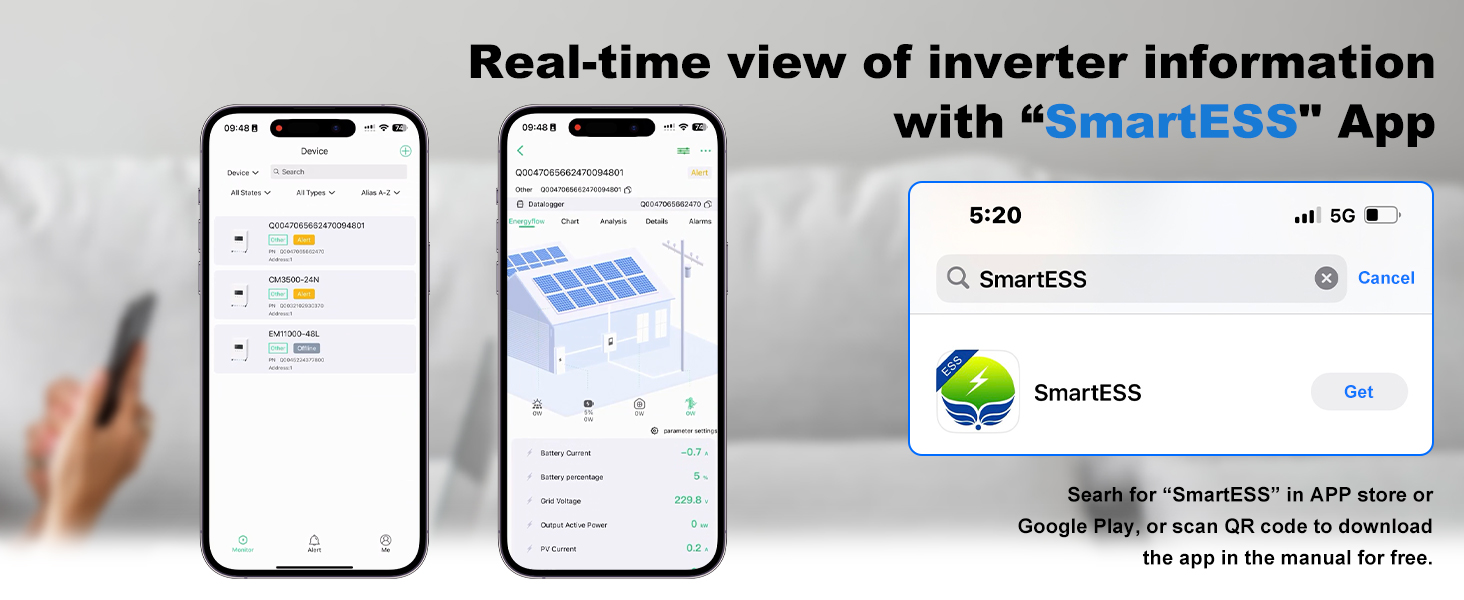
Seamless Mobile Monitoring with the “SmartESS” App
View real-time battery information using the “SmartESS” app. Simply search for “SmartESS” in the App Store or Google Play, or scan the QR code in the manual to download the app for free. This allows you to conveniently monitor and manage inverter performance directly from your smartphone or tablet.
Flexible Charging & Output Options
Choose from 3 charging modes and 4 output priorities to match your energy needs. Ideal for dynamic home energy systems and ensuring uninterrupted power wherever you live.
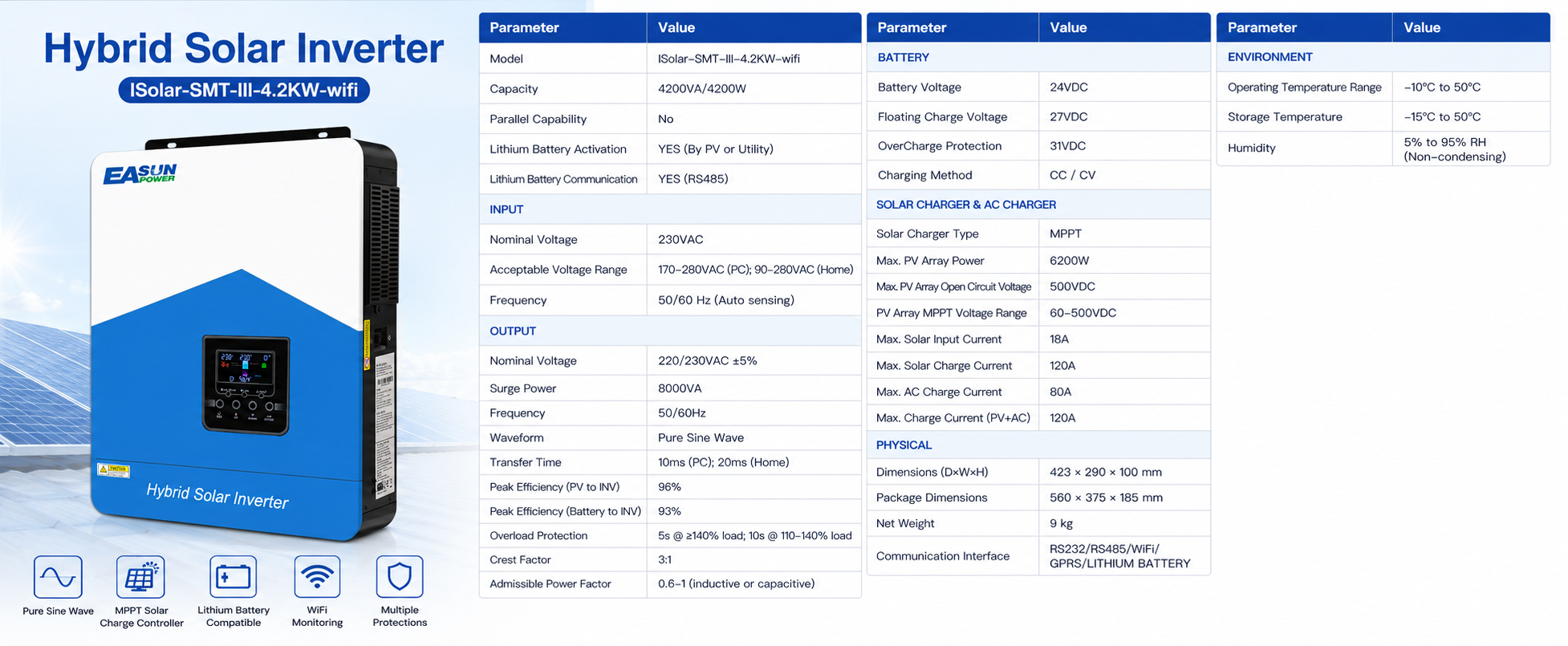
Specification
Frequently asked questions
Still looking for an answer?
1. How do I configure BMS communication with lithium batteries?
EASUN SMH III 4.2KW supports RS485 communication with a variety of BMS systems such as Pylontech, JK, Jikong, and Daly.
Pylontech BMS: Select battery type “Li2” in the inverter menu and set BMS to “PylonRS485”.
Daly BMS: Some users report success using “Li4” and setting Daly BMS to "Growatt" protocol.
JK BMS: It is recommended to use “Li2” and ensure correct wiring.
Note: Wiring methods may vary depending on the BMS brand. Please refer to the connection diagrams or consult technical support.
Click to check how to connect to Easun Battery
2. How do I know If this inverter is compatible with my solar panels ?
According to the inverter's specification table, the max solar input current is 18A, which means MPPT can handle a maximum of 18A.
The optimal voltage range for the MPPT is 380–430V, and it should not exceed 450V.
Based on this information, when you review the specifications of your solar panels, you should ensure that—whether connected in series or parallel—the total voltage or current connected to each MPPT input does not exceed these limits.
3. What is the minimum PV voltage required to start the inverter?
The MPPT controller requires at least 120VDC PV input to start, but a recommended input of 250VDC or higher is suggested to ensure stable power output under load.
4. How can I fix the issue of the LCD screen flickering?
Some users have reported flickering on the inverter's display.
A common solution is to connect an X2-class capacitor in parallel between PV+ and PV- to stabilize voltage fluctuations.
⚠️ This operation requires electrical knowledge. Please consult a professional.
5. Does the inverter support parallel operation?
No,this inverter can not work in parallel .
6. How does the WiFi monitoring work?
The inverter has a built-in WiFi module and can be monitored via a mobile app.
Download the recommended monitoring app and follow the instructions in the user manual.
Note: Data updates from the WiFi module may occur at 5-minute intervals.
7. Can the inverter run without a battery?
Yes, EASUN SMH III 4.2KW supports batteryless operation.
In this mode, the inverter uses PV input directly to power loads. However, it is recommended to carefully evaluate power stability and load demands when designing your system.